
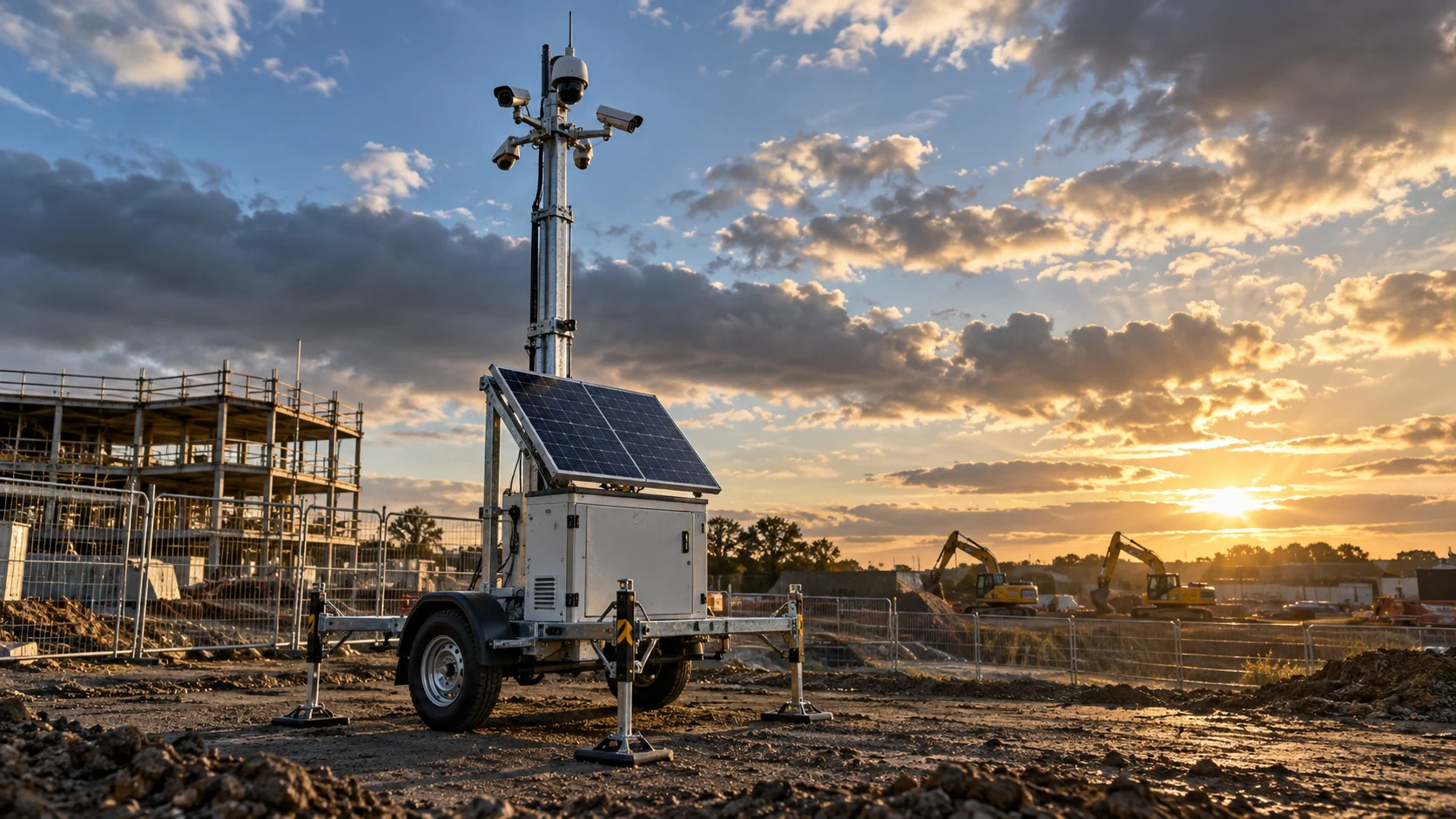
Winter is coming. Are you ready?
You’ve prepared the fleet. Now comes the work of keeping it running.
Book a winter-readiness demoSummer has kept your team busy: servicing units, carrying out repairs and building the fleet. Longer days may have eased the pressure on solar-powered equipment, with batteries recovering and fuel-cell backup doing less work.
Now the days are shortening and the clocks going back bring that familiar feeling: how much work will it take to keep everything operational this winter?
Book a winter-readiness demoThe morning routine
How much of your morning goes into assembling the picture?
- Battery readings on one platform.
- Fuel levels on another.
- A spreadsheet that needs updating before you can start planning the day.
Your team compares figures, checks trends and draws on its knowledge of individual units to decide which assets need investigation.
Then comes the service plan: engineer availability, travel distances, restricted access and the next realistic opportunity to visit.
An asset goes down, and that carefully planned day changes.
You know how to manage this. But gathering the information and keeping the plan current takes time – especially when more units need attention.

One platform
What if getting a clear picture took less time?
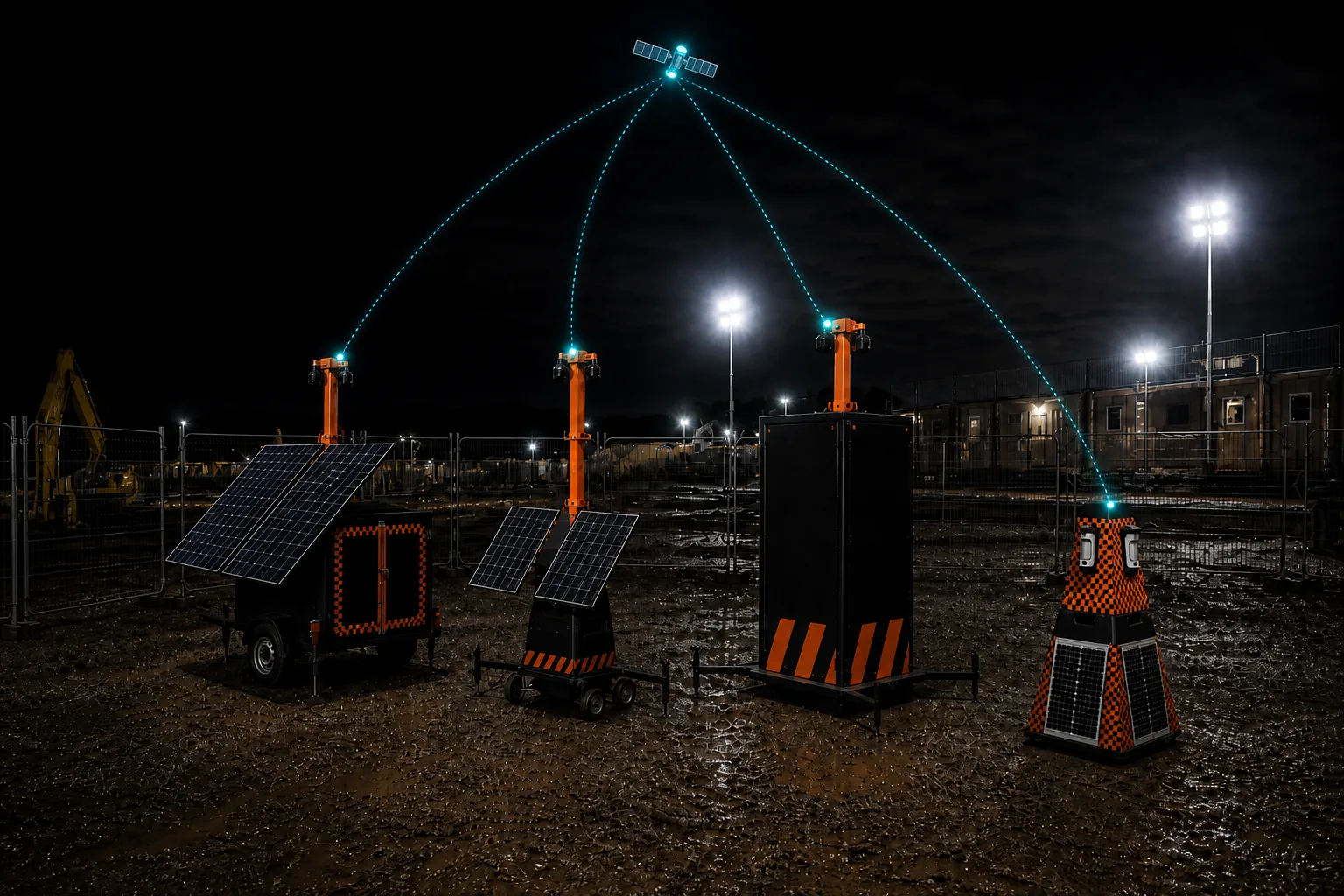
TrackSyte® brings information from supported equipment into one platform, helping your team review conditions across the fleet and investigate what has changed.
Understand the trend
Review available battery and charging history across successive days. Identify declining recovery or changes that deserve investigation, rather than relying on a single reading.
Focus your attention
Bring equipment status, relevant alerts and location information together, giving your team a clearer starting point for prioritising its response.
Prepare the visit
Review recent history before an engineer leaves. Give them useful context about the issue, previous checks and what may be needed on site.
Less time bringing the information together. More time using it to make decisions.
Power budget
Your monitoring equipment has a power budget too.
When every watt matters, the equipment collecting your data deserves the same scrutiny as the equipment doing the job.
As an illustration, monitoring that draws 4 watts continuously would consume 40% of an asset’s total 10-watt operating budget. That is 96 watt-hours every day for monitoring alone.
The actual demand depends on the monitoring setup. But the question is worth asking: how much energy does yours need?
Illustration
The TrackSyte® Neo gateway has a power draw as low as 0.013 W.*
Designed for remote, power-sensitive applications, Neo makes low power consumption part of the monitoring proposition.
We’ll help you assess the operating configuration and reporting requirements relevant to your fleet.
* 0.013 W is a minimum figure, not a statement of typical or continuous consumption in every configuration. Actual draw varies with operating mode, connectivity, reporting frequency and connected equipment.

Better-prepared visits
Know before you go.
A clearer view of your assets helps your team make service decisions with better information.
You still have to balance site access, geography, engineering capacity and the consequences of an interruption. TrackSyte® provides asset information to support that judgement and the scheduling processes you already use.
- What has changed?
- What needs investigating?
- What should the engineer know before travelling?
Those answers help turn a necessary visit into a better-prepared one.
Fuel-cell backup
Make better-informed fuel decisions.
Where fuel-cell backup is fitted, the remaining fuel level is only part of the servicing decision.
Sometimes access restrictions or the next available visit mean replacing a cartridge while usable fuel remains. Waiting longer may risk an interruption or require another journey.
Available fuel and consumption information can help your team assess those choices. Recording the fuel remaining at replacement can also reveal opportunities to improve service timing and reduce fuel left behind.
Keeping the asset operational comes first. Better visibility helps your team weigh the options.
Winter-readiness demo
Let’s look at your fleet before winter puts the plan under pressure.
Tell us how your team currently monitors deployed equipment and decides when to visit.
Book a winter-readiness demoWe’ll demonstrate TrackSyte® against your asset types and discuss:
- What information your equipment can provide.
- How your team identifies and investigates changing conditions.
- Where a shared fleet view could reduce manual checking.
- Neo’s power consumption in the configuration you need.
- How better information could support your servicing decisions.
TrackSyte® remote monitoring from Green Power Solutions.